




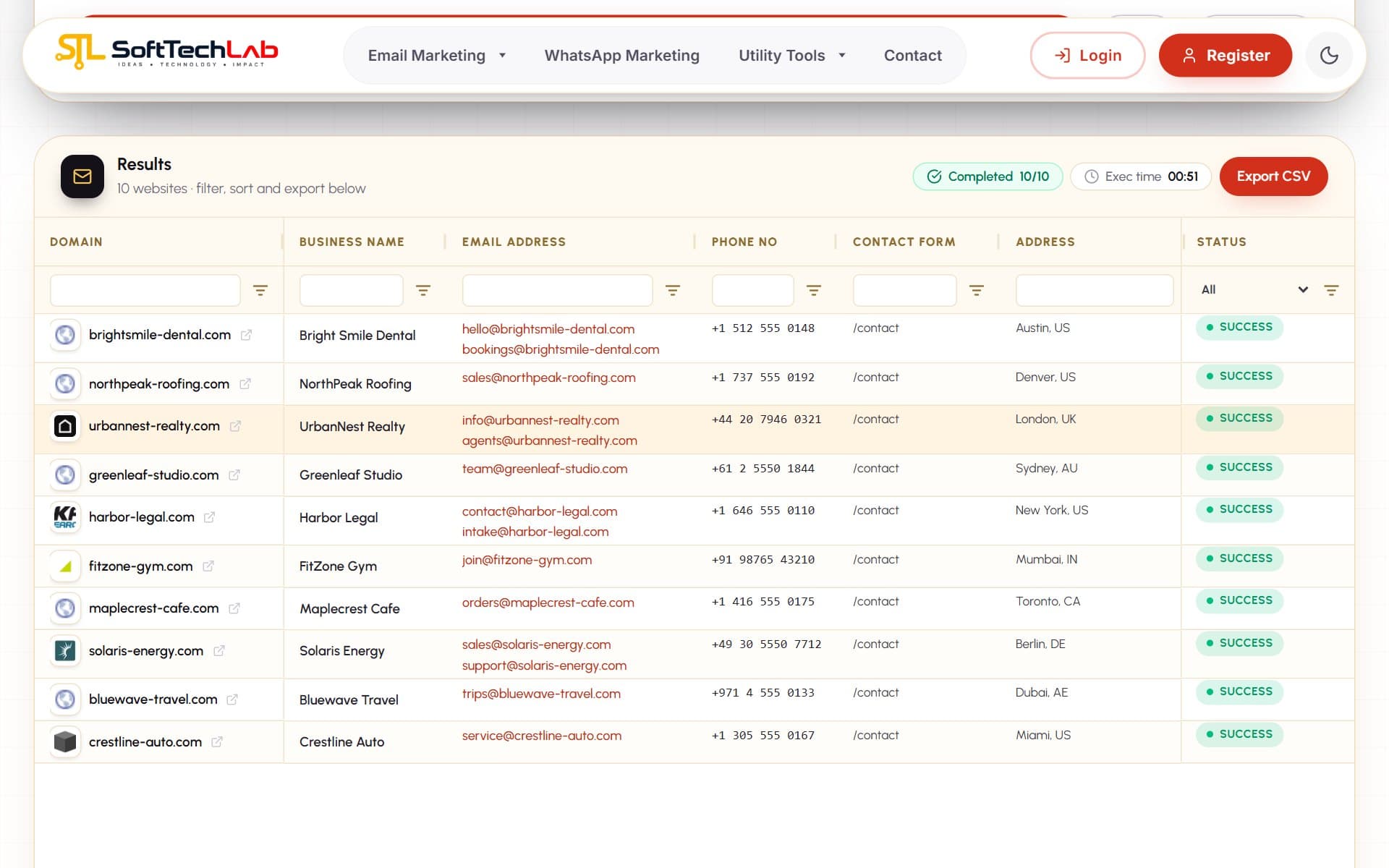
Web Email Finder
Extract emails, phone numbers and social profiles from any website.
100 free credits to start
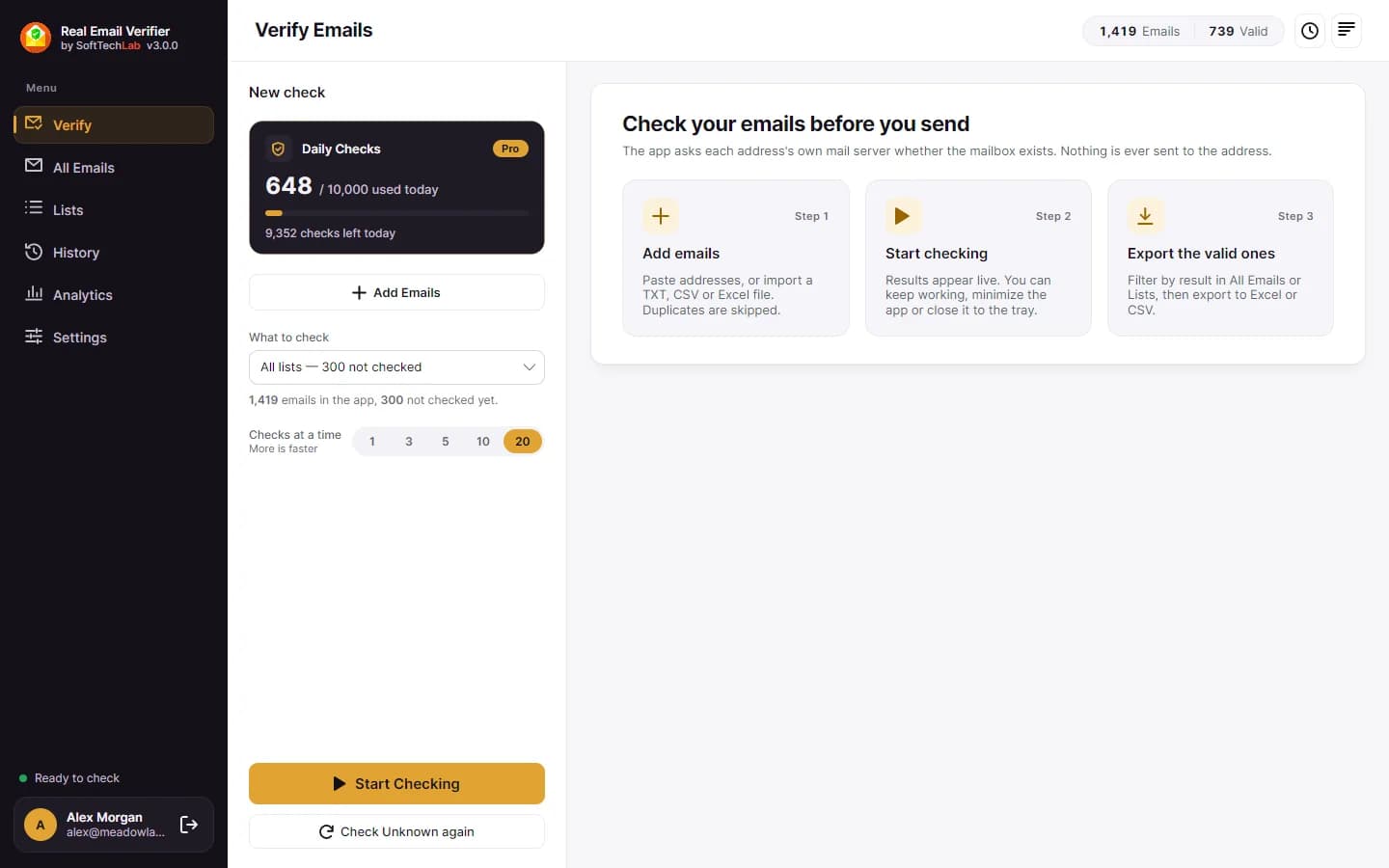
Check every address on your list before you send. Real Email Verifier asks each address's own mail server whether the mailbox exists, finds invalid, accept-all and throwaway emails, and exports the valid ones to Excel or CSV.
64-bit
Quick installation
Latest release
Free plan
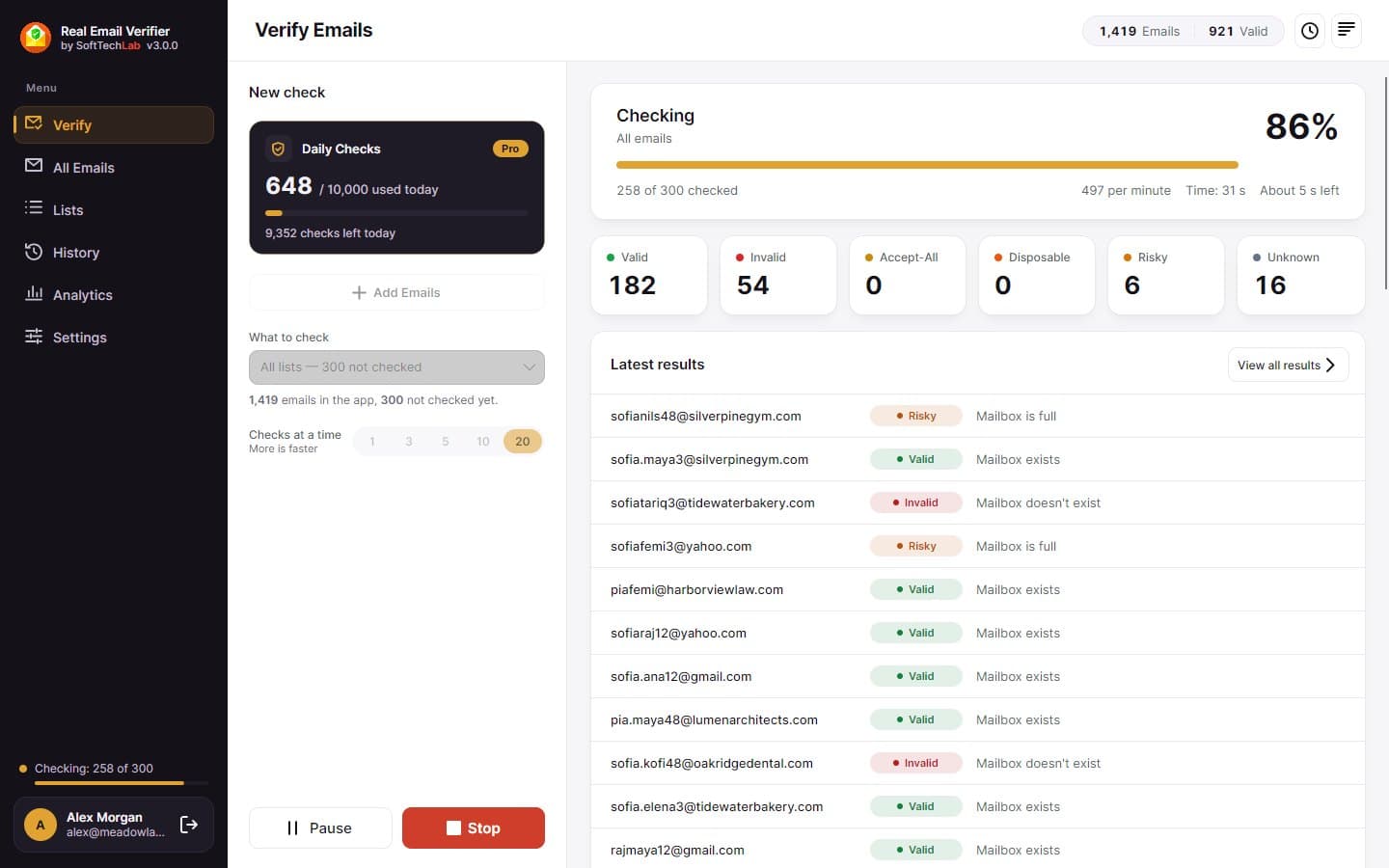
Send to the Valid ones, remove the Invalid ones, and decide on the rest with the reason shown for each address.
Watch the app check a list, show every result and export the valid emails, from sign-in to analytics. Pick a chapter to jump to it.
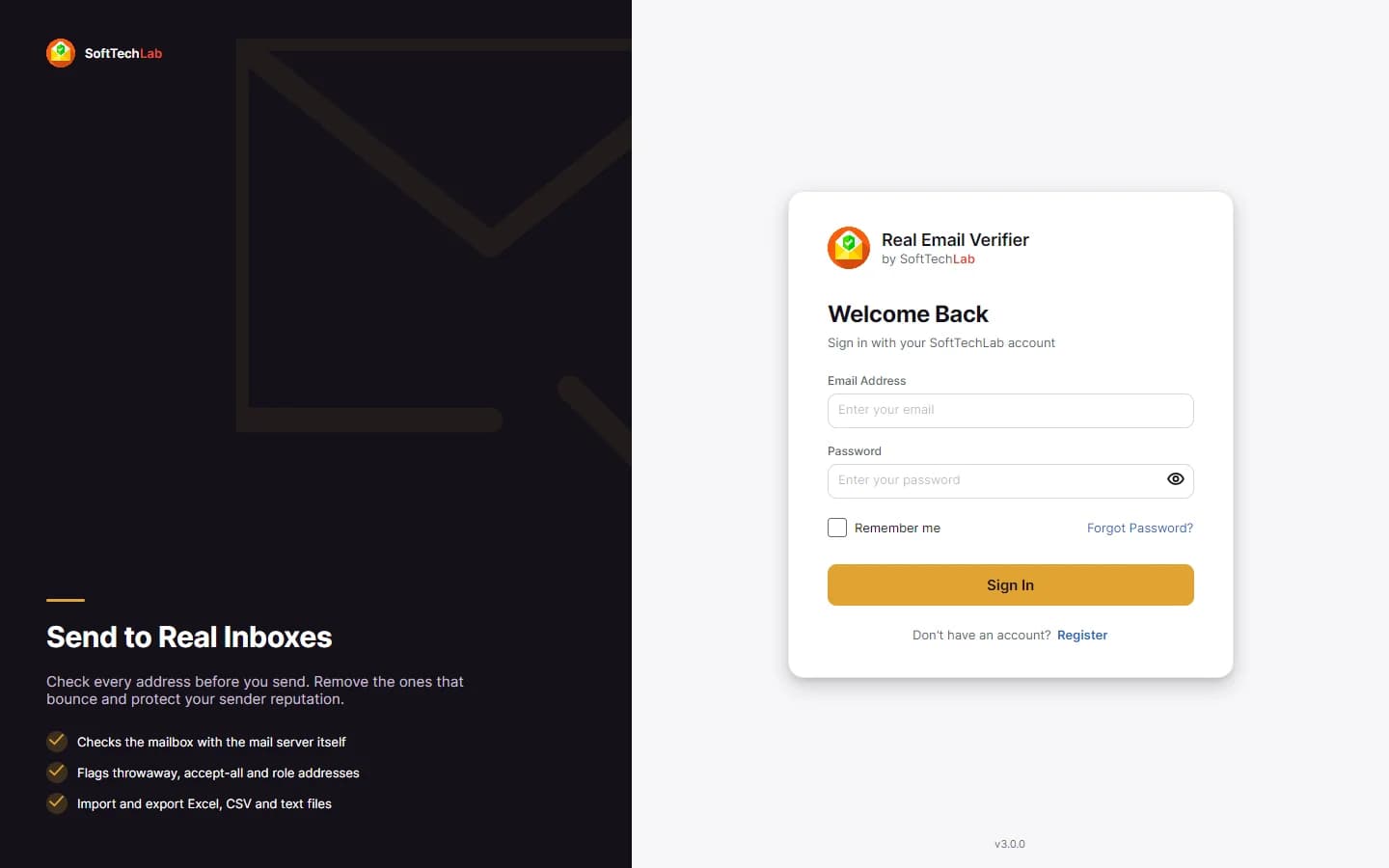
Download the app, install it and sign in with your free SoftTechLab account.
Paste addresses or import a TXT, CSV or Excel file. Duplicates are skipped.
Each address is checked with its own mail server. Results appear as they arrive.
Filter by result and export to Excel or CSV for your next campaign.
A desktop app built for long lists: check, sort, filter and export without leaving your PC.
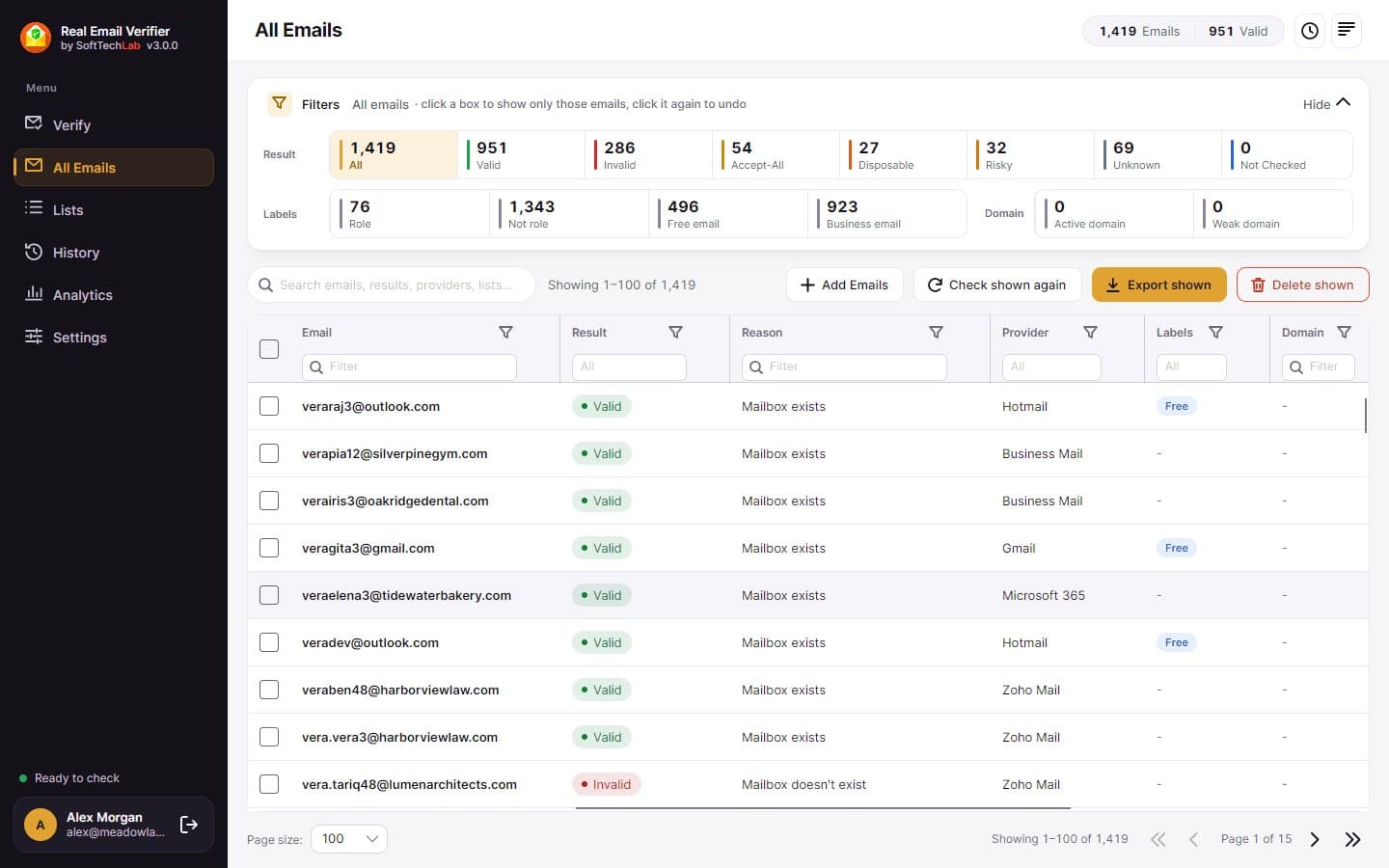
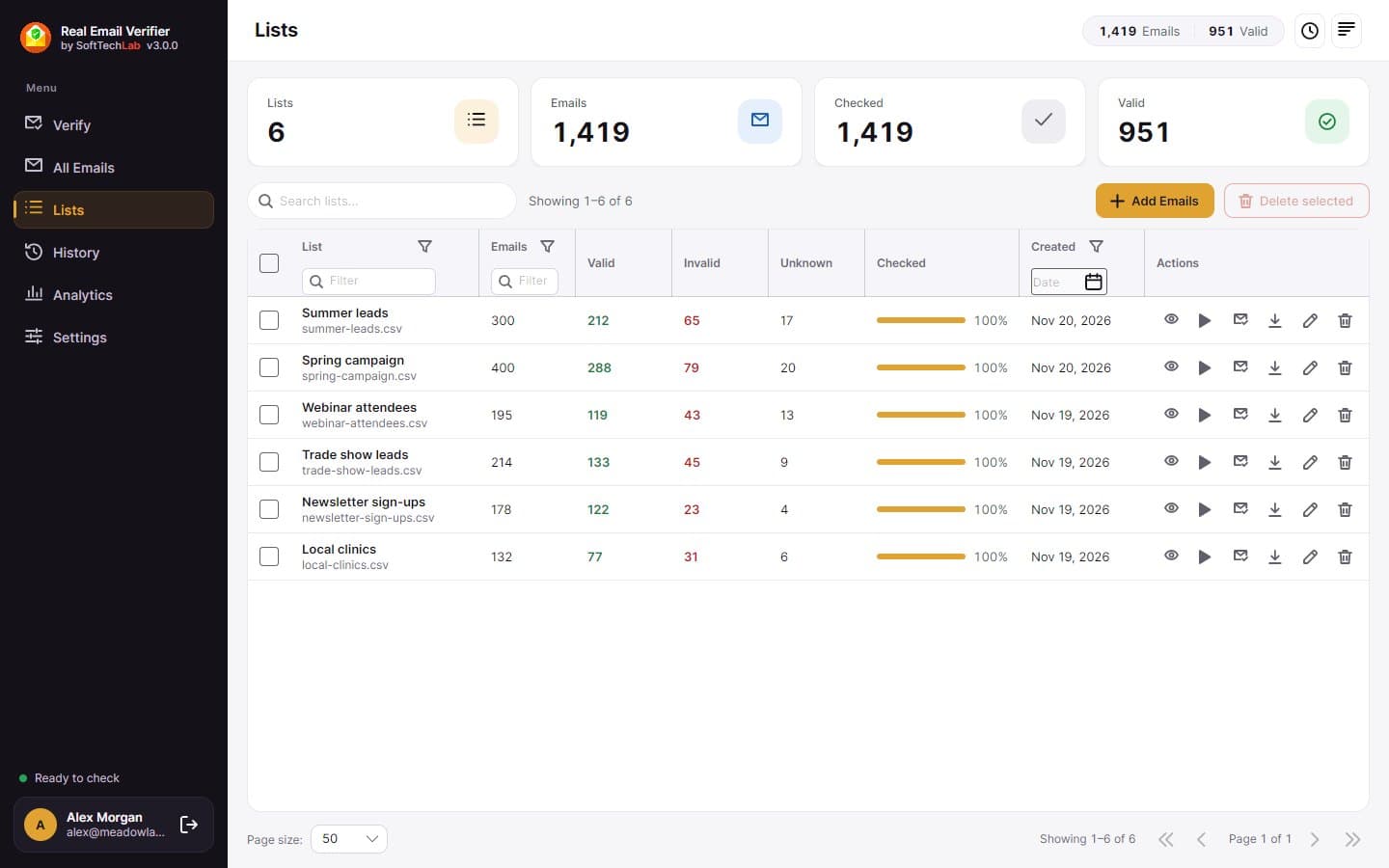
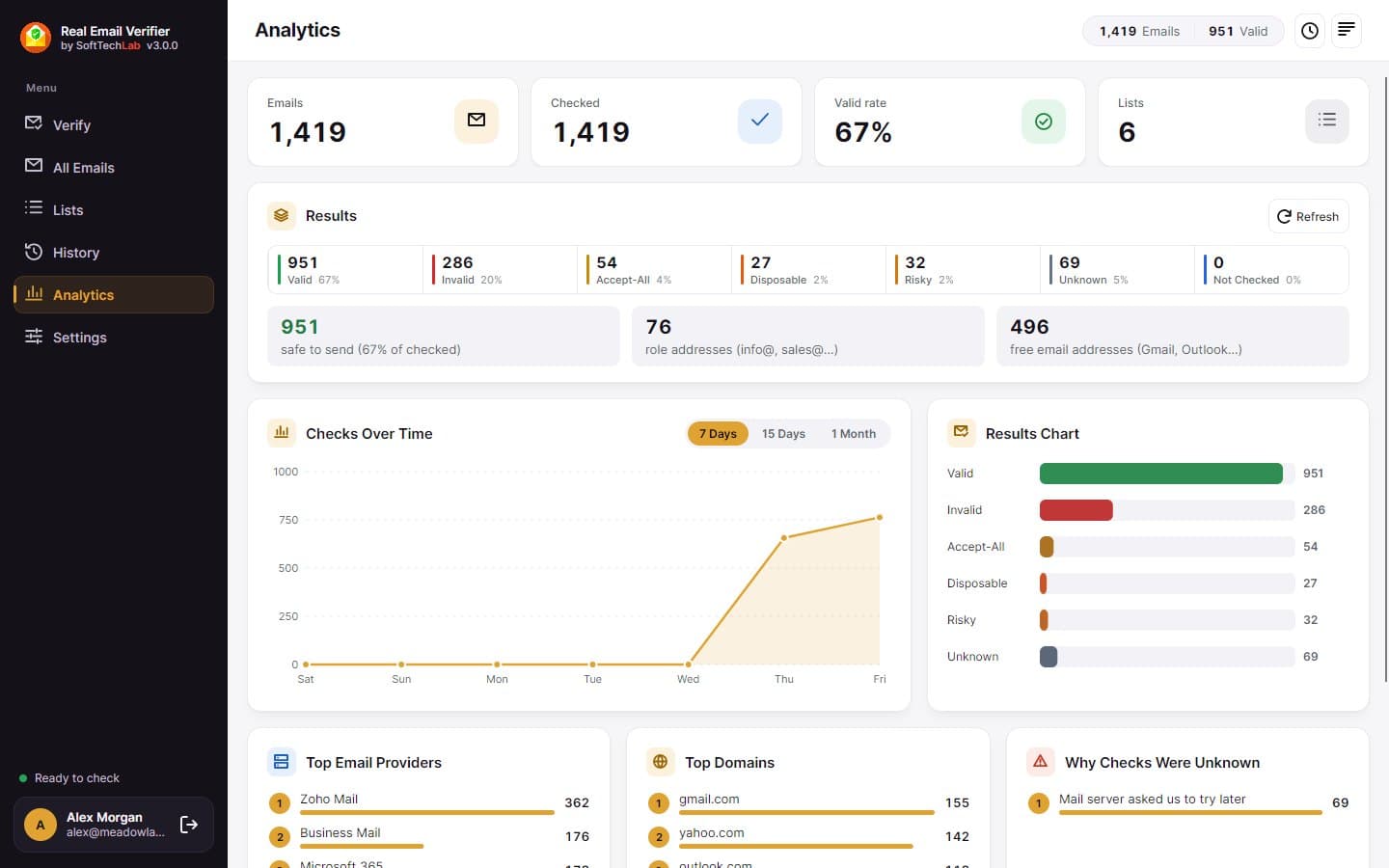
Emails and results are stored on your computer. Only addresses a mail server refuses to check from your connection are asked again through SoftTechLab's server.
Mistyped domains such as gmial.com are flagged with a "Did you mean" fix, and the corrected address is checked too.
Keeps checking when minimized, in the system tray or with your screen locked, and keeps your PC awake until it finishes.
Every result says why. When a mail server will not confirm single mailboxes, the domain is checked instead and the result says "Valid (domain checked)", so you always know what was confirmed.
Start with 100 free checks a day. Upgrade to Pro for 10,000 checks a day. Duplicates, broken addresses and throwaway domains are always free.
100 checks per day
10,000 checks per day
Everything you need to know about Real Email Verifier
It looks up the mail server for the address's domain and asks that server whether the mailbox exists, the same first step a real email takes. It stops there: no email is ever sent to the address.
Valid: the mail server confirmed the mailbox. Valid (domain checked): the mail server will not confirm single mailboxes, but the domain is set up for mail (MX and SPF records) and the name looks real. Invalid: the mailbox or the domain does not exist, the domain is mistyped, or the address is broken. Accept-All: the domain accepts every address, so this mailbox cannot be confirmed. Disposable: a throwaway address. Risky: the mailbox exists but is full or otherwise unlikely to receive mail. Unknown: the mail server would not say.
Some mail servers refuse to answer checks, especially from home internet connections, and others ask you to try again later. The app checks addresses refused because of your connection again through SoftTechLab's server. For business domains a server still will not confirm, the app checks the domain instead (MX and SPF records, and whether the name looks real) and shows "Valid (domain checked)" or Risky. Unknown is left only where neither works, for example personal Hotmail and Outlook addresses, which Microsoft does not let anyone check. You can check Unknown results again at any time.
Yes. The free plan checks 100 addresses a day. Pro checks 10,000 a day. Duplicates, broken addresses and throwaway domains never count towards your daily checks.
Import plain text, CSV or Excel (.xlsx) files, or paste addresses. Export to Excel or CSV with the columns you choose, for example only the Valid emails.
No. Your lists and results are stored on your computer. Some mail servers (such as GoDaddy) refuse checks from home internet connections; only those addresses are sent, one at a time, to SoftTechLab's server, which asks the mail server and returns its answer without storing the address. You can turn this off in Settings. SoftTechLab also receives how many checks you used today, for your daily limit.
Yes. Checking carries on when you minimize the app, close it to the system tray or lock your screen, and your PC will not go to sleep in the middle of a run.
Yes. Check one list, all lists, or only the emails you select, and check Unknown results again with one click. Every run is kept in History.
Real Email Verifier is a Windows desktop app for Windows 10 and Windows 11 (64-bit).
Yes. The app checks for a new version when it starts and once a day, downloads it in the background, waits until any check has finished, backs up your emails, then installs it and restarts. Your lists and settings are kept.
Sign in on this page and choose Buy Pro: pay with Razorpay (UPI, cards, net banking) in India, or PayPal anywhere else. Pro starts at once: the app picks up your new limit the next time you click Start Checking. Renewing early adds a month to what you have left.
Download Real Email Verifier and check your list before your next campaign. 100 free checks a day, 10,000 a day with Pro.
Extract emails, phone numbers and social profiles from any website.
100 free credits to start
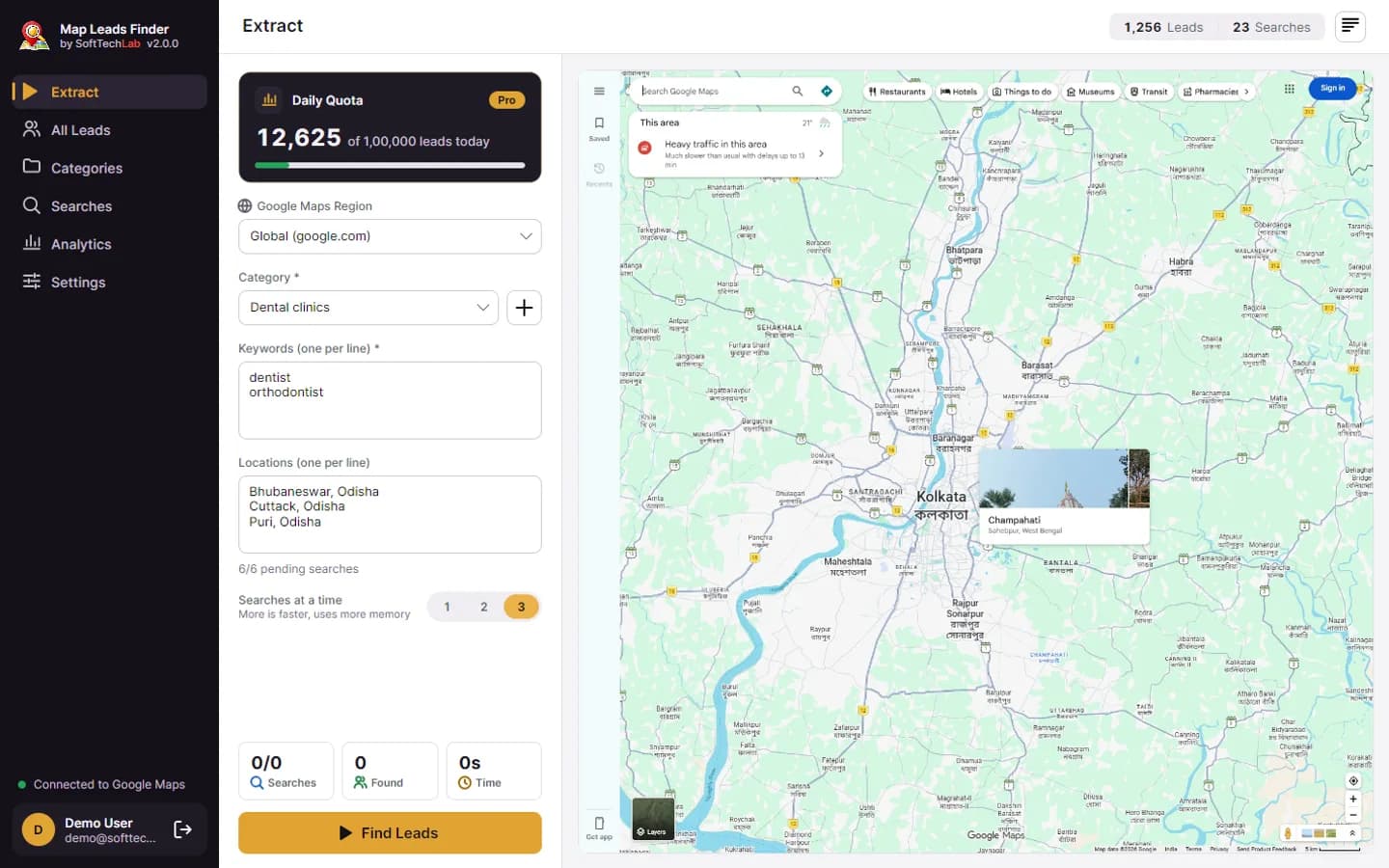
Find businesses and their contact details on Google Maps.
Free: 200 leads a day · Windows
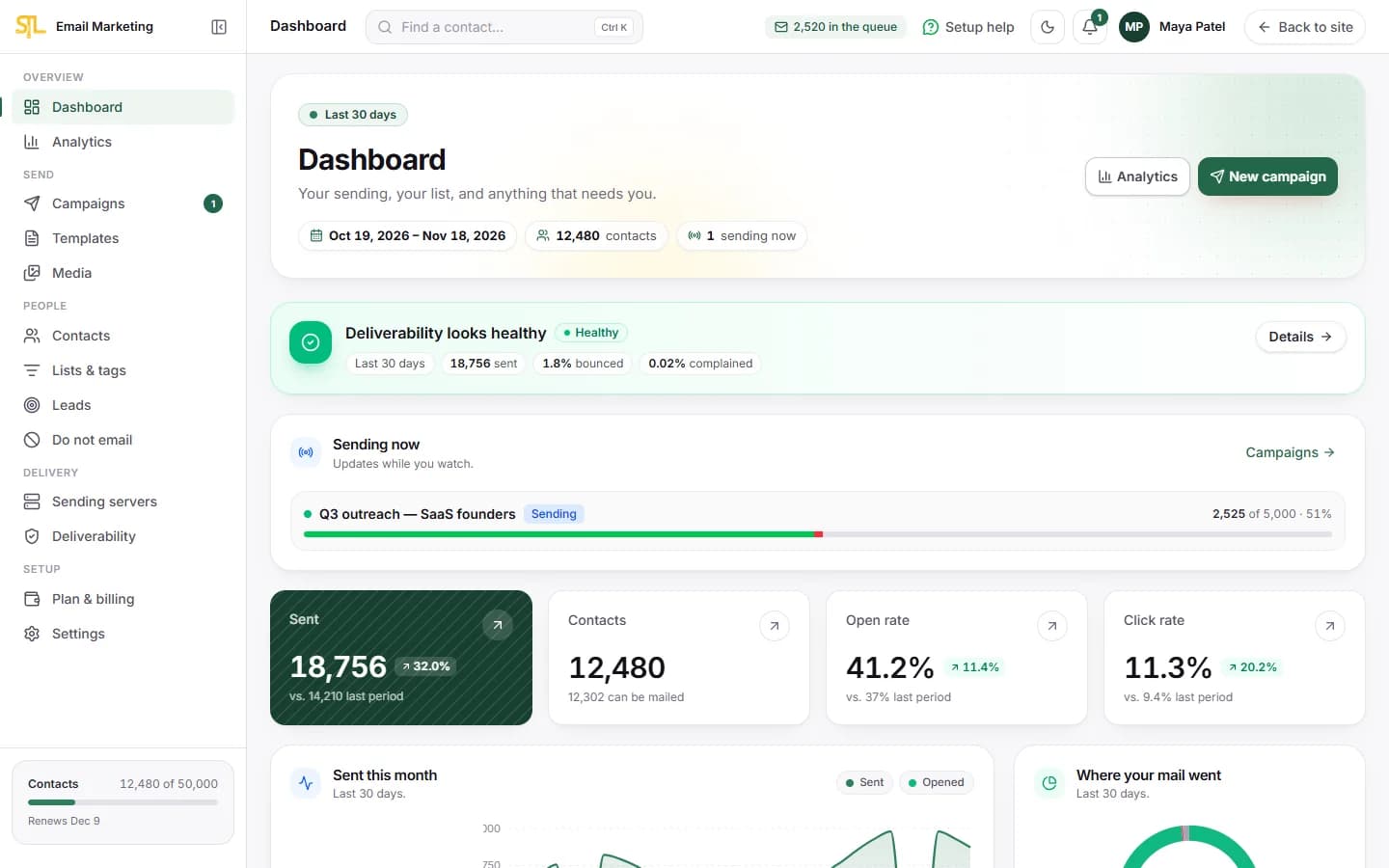
Connect your email servers and run campaigns with tracking and a leads pipeline.
7-day free trial
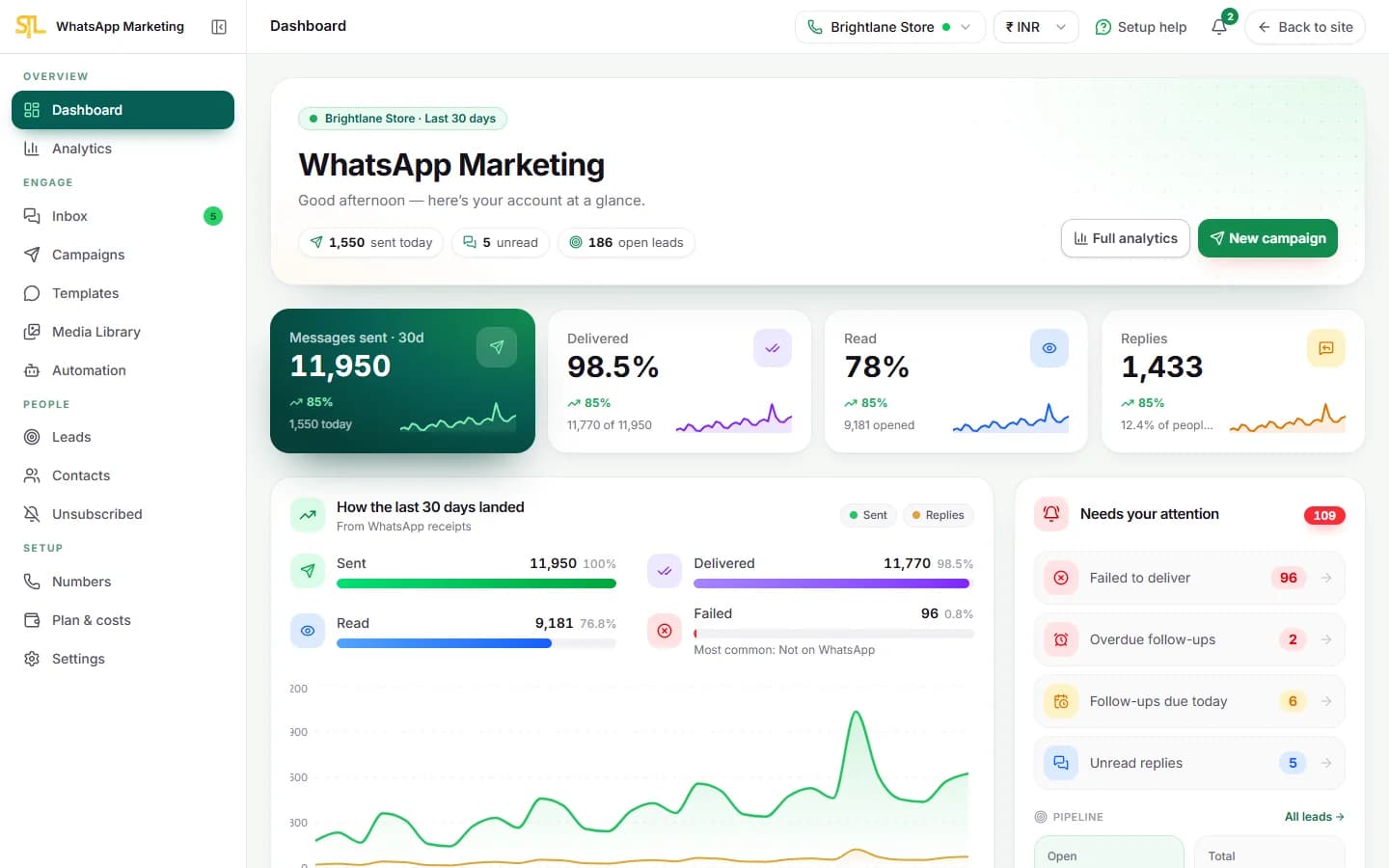
Run WhatsApp campaigns on the Meta API with tracking and a leads pipeline.
7-day free trial